Currency
Toggle Nav


Repair Tips
September 17, 2026
33
Samsung Flip Blackout Screen Issue: How to Restore the Main Display
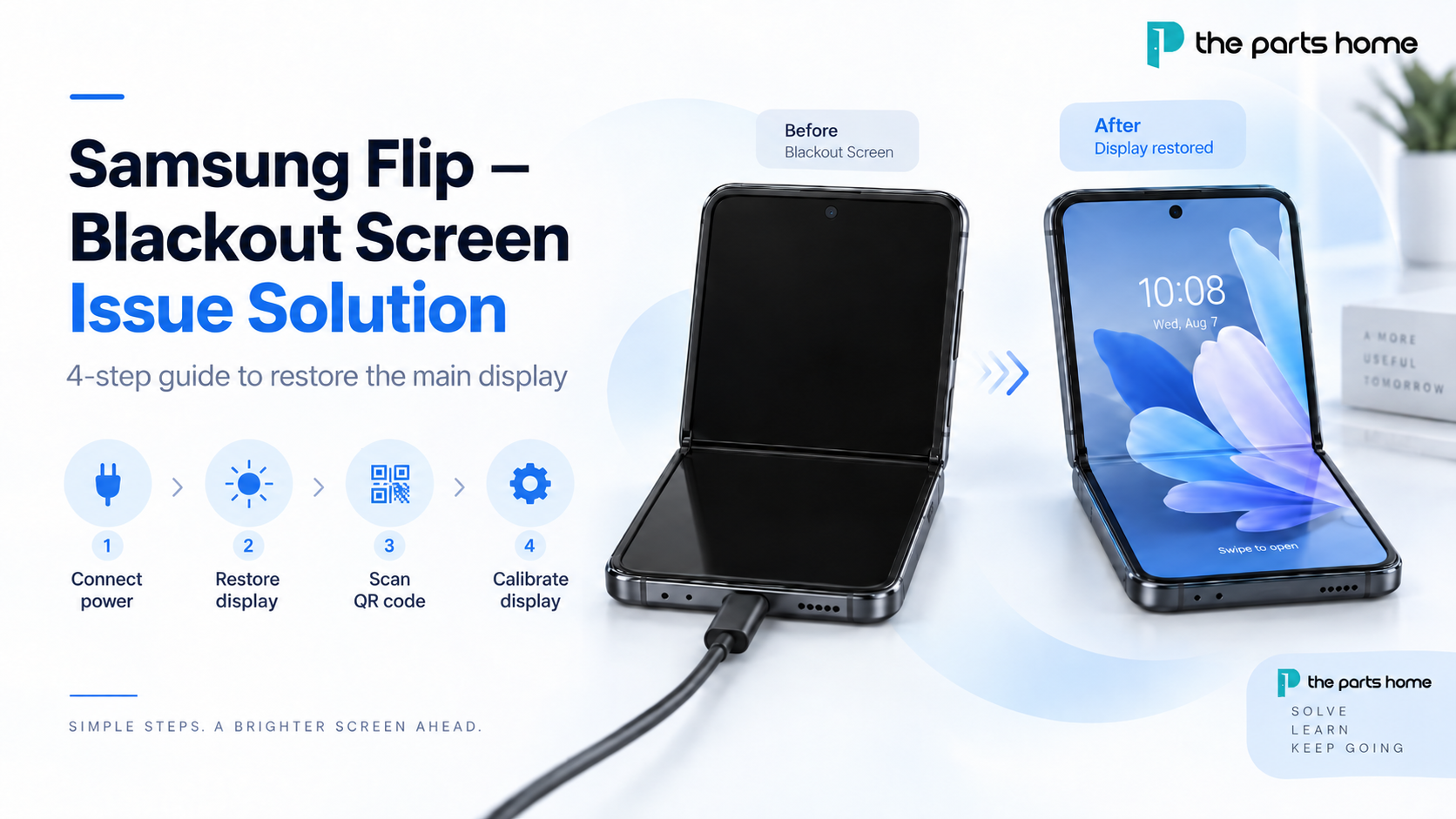
If your Samsung Flip main screen is black, unresponsive, or does not display anything after a screen repair, the issue may be resolved by restoring the display and completing the required calibration. This guide explains the full Samsung Flip blackout screen solution in four steps.
Keep the device connected to power during the entire process, then follow the button sequence below before downloading the Samsung Self-Repair Assistant installation file and completing calibration.
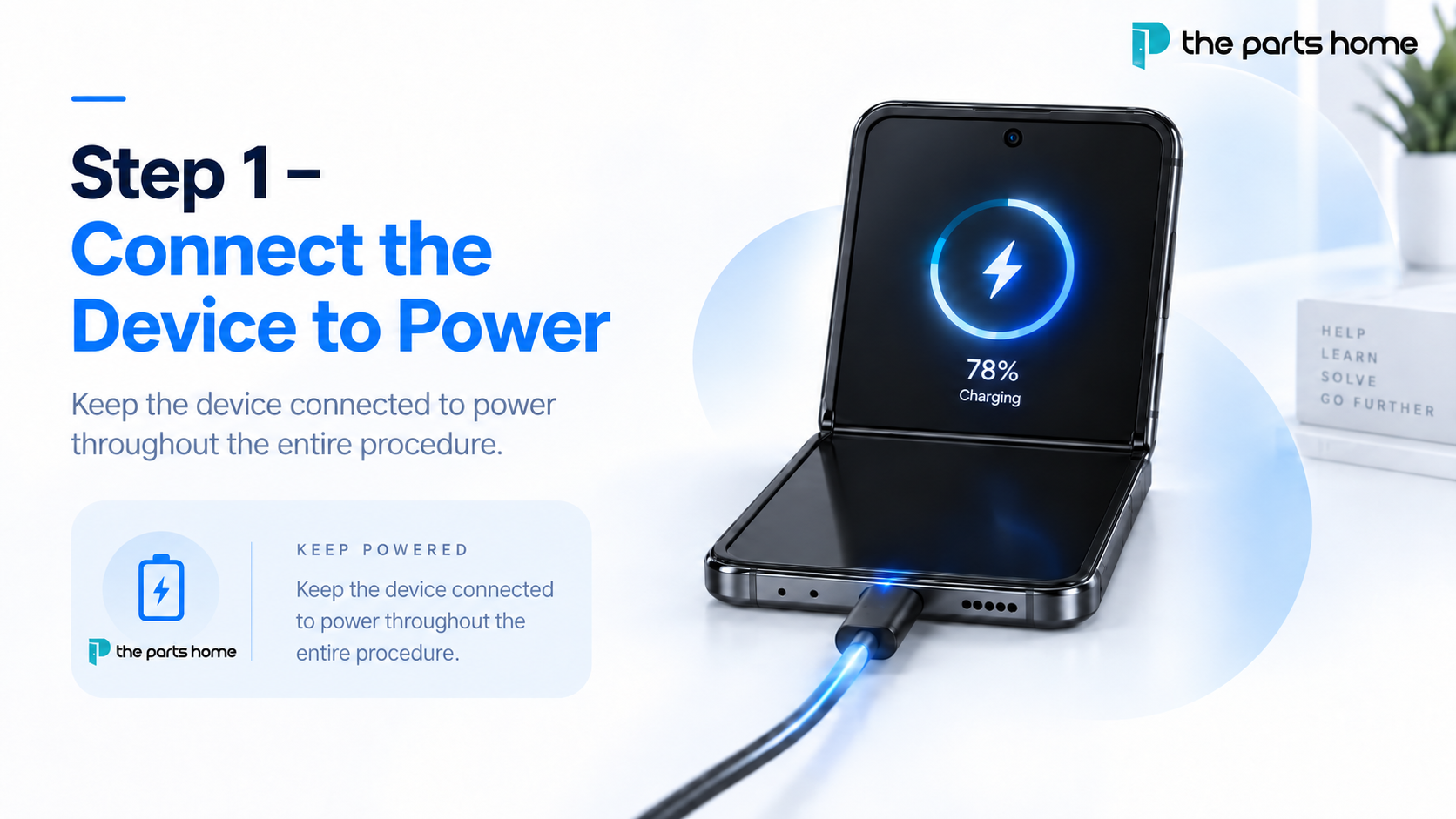
Step 1 – Connect the Device to Power
Connect the Samsung Flip to a power source and keep it connected throughout the entire procedure. This helps ensure that sufficient power is available while you restore the main screen and complete the calibration process.
August 27, 2021
3603
Why is there compatibility issue between the Toshiba C11/F7C and LG DTP/C3F Screen for iPhone 7 Plus & 8 Plus?
In short, as you can tell from their names, they are produced by two different companies, Toshiba and LG. Therefore, even though the screens are made to Apple’s strict specifications, compatibility issues still exist and if you cross install screens between these two different manufacturers (Install Toshiba screen on a device that was originally fitted with LG screen or vice versa), there is a very high chance that you will experience screen touch issues.
Three ways to distinguish screens from different manufacturers:
1. Serial Number on 3D Touch Panel
If you are to take a look at the touch panel of the screen, the first three letters will identify the manufacturer, a
Recent Posts
-
Google Pixel 11 Review: Key Features, Camera and Battery Upgrades
 September 28, 2026
 -
iPhone 18 Pro, iPhone 18 Pro Max and iPhone Duo: Australian Price, Release Date and What’s New
 September 28, 2026
 -
Samsung Flip Blackout Screen Issue: How to Restore the Main Display
 September 17, 2026
 -
Samsung Galaxy S21 Ultra Teardown
 September 10, 2021
 -
iPhone 12 Pro Max Teardown
 September 10, 2021
The information below is required for social login
Sign In
Create New Account