Currency
Toggle Nav


Monthly Archives: September 2026
September 17, 2026
8
Samsung Flip Blackout Screen Issue: How to Restore the Main Display
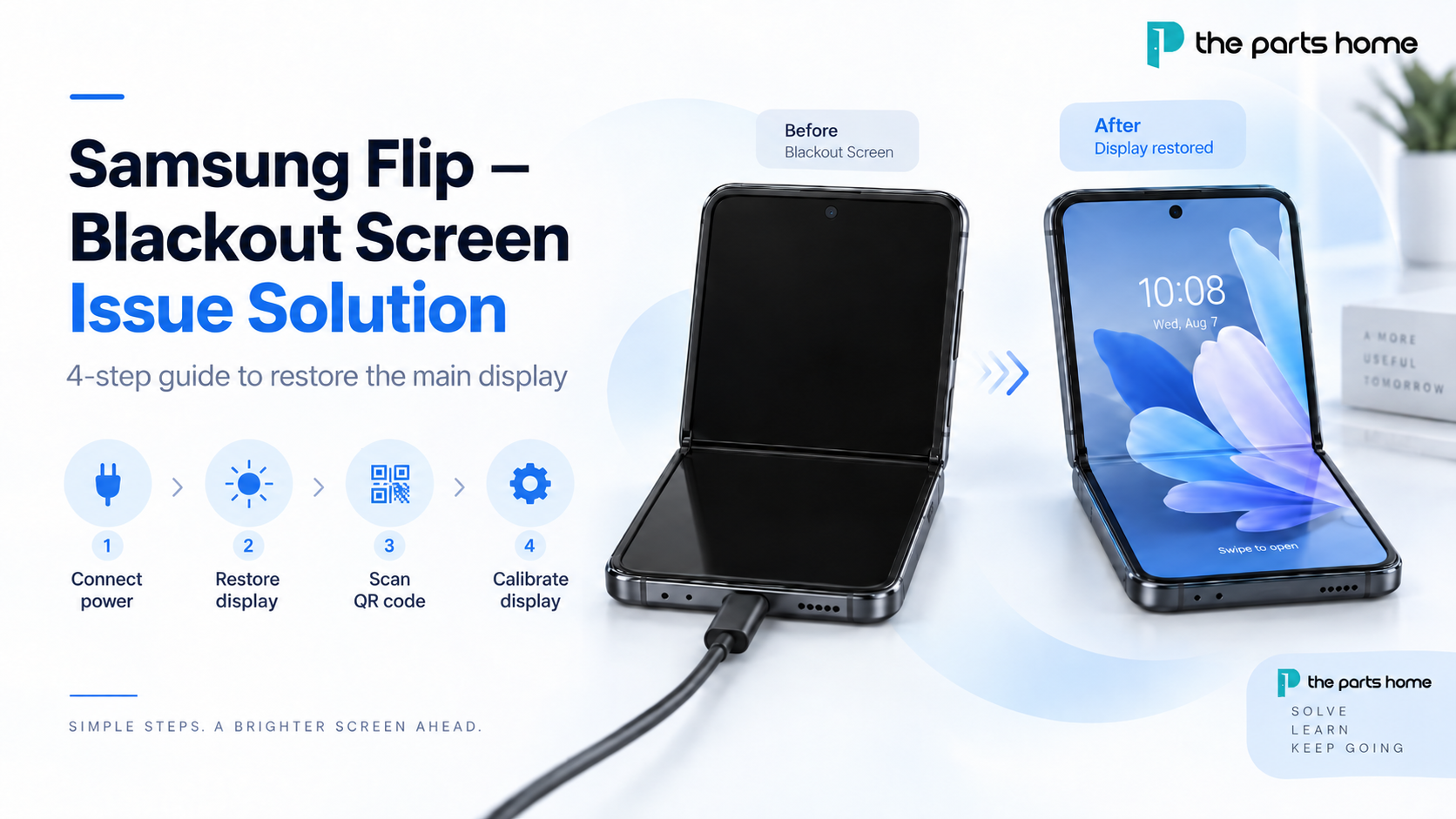
If your Samsung Flip main screen is black, unresponsive, or does not display anything after a screen repair, the issue may be resolved by restoring the display and completing the required calibration. This guide explains the full Samsung Flip blackout screen solution in four steps.
Keep the device connected to power during the entire process, then follow the button sequence below before downloading the Samsung Self-Repair Assistant installation file and completing calibration.
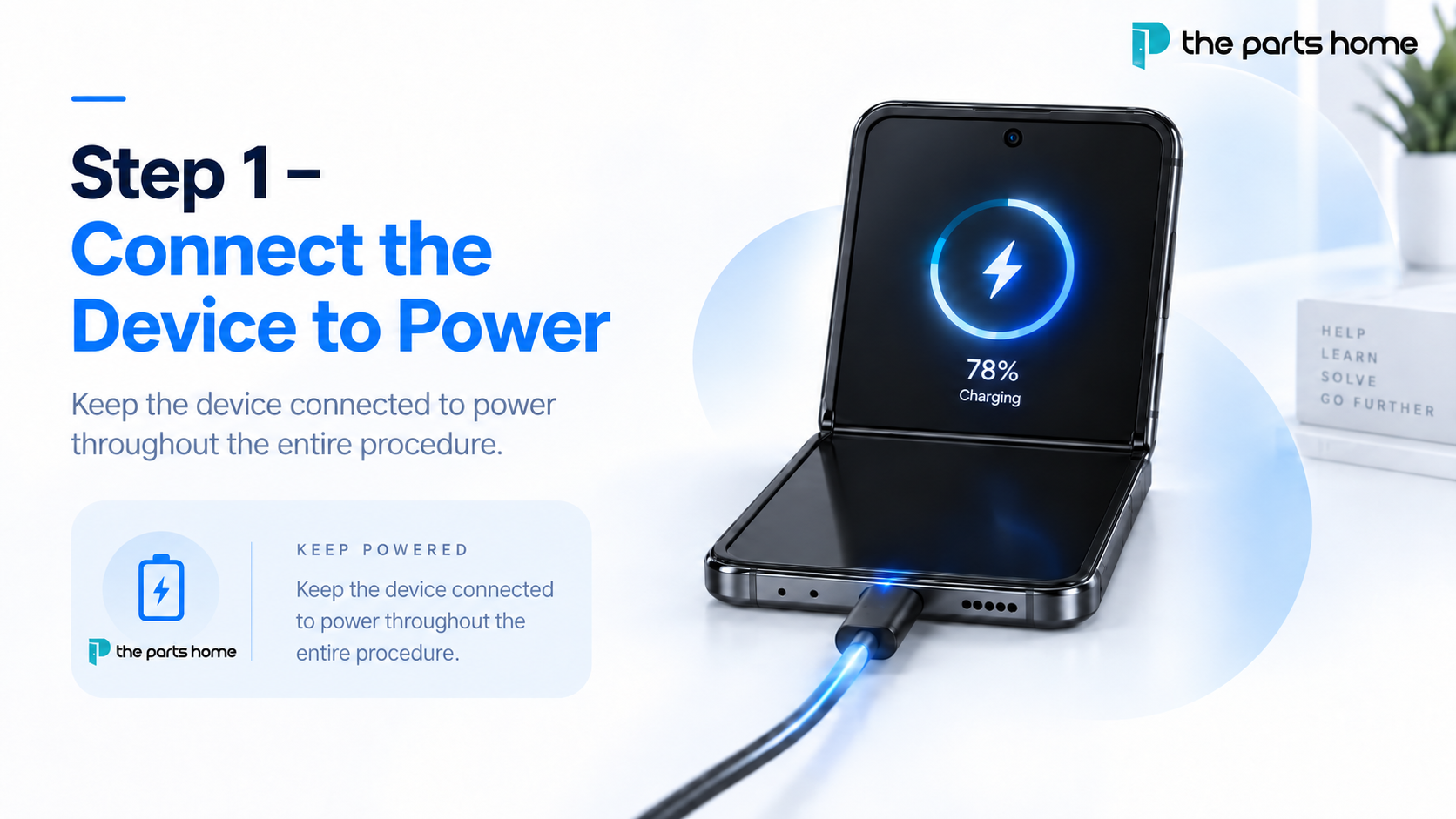
Step 1 – Connect the Device to Power
Connect the Samsung Flip to a power source and keep it connected throughout the entire procedure. This helps ensure that sufficient power is available while you restore the main screen and complete the calibration process.
Recent Posts
-
Samsung Flip Blackout Screen Issue: How to Restore the Main Display
 September 17, 2026
 -
Samsung Galaxy S21 Ultra Teardown
 September 10, 2021
 -
iPhone 12 Pro Max Teardown
 September 10, 2021
 -
Screen Compatibility Issue Between Toshiba C11/F7C and LG DTP/C3F
 August 27, 2021
 -
What is Mini-LED?
 August 20, 2021
The information below is required for social login
Sign In
Create New Account